Quick Answer
- To install DSP car audio, mount the processor in a dry, ventilated spot, run fused power from the battery, ground it at the same point as your amplifiers, connect the remote turn-on wire, then wire inputs from the source and outputs to the amplifiers.
- A standalone DSP draws only 0.5 to 3 amps, so 16 or 14 gauge power wire with a 5 to 15 amp fuse within 18 inches of the battery is enough (Audio Intensity, 2026).
- Shared grounds prevent most noise problems: use the same chassis bolt as the amplifiers and aim for less than 50 mV between grounds (Audio Intensity, 2026).
- Run RCA signal cables down one side of the car and power wire down the other, at least 18 inches apart (Audio Intensity, 2026).
- Before tuning, check every output channel at low volume with the tweeters protected by a high-pass filter.
To install DSP car audio, disconnect the battery, mount the processor near the amplifiers, and run a fused power wire, a solid ground and a remote turn-on wire. Then connect the input signal from your head unit or factory radio and run RCA cables from each DSP output to its amplifier channel. The final step is loading the software, mapping the channels and checking each speaker before you start tuning.
Tools and Parts for a DSP Installation
You need basic car audio tools plus a laptop or phone for the setup software. Most parts come in the DSP box, but power, ground and signal wiring are often sold separately. Gather everything first so the car is not left apart halfway through the job.
Typical parts list:
- The DSP or DSP amplifier, with its harness and any factory plug-and-play adapter.
- 16 or 14 gauge power and ground wire for a standalone DSP.
- An inline fuse holder and a fuse rated for the processor.
- 18 gauge wire for the remote turn-on connection.
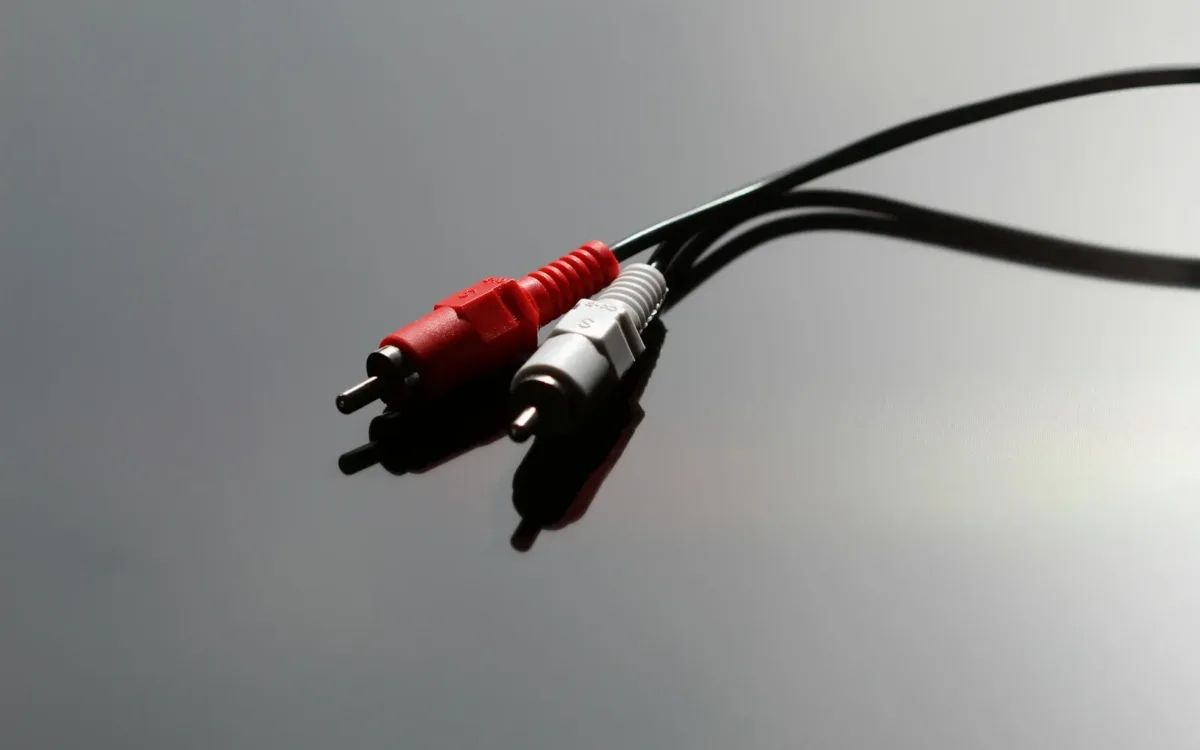
- RCA cables, one pair for every two output channels.
- Ring terminals, crimp connectors, zip ties and wire loom.
Tools you will use: a wire stripper and crimper, a socket set, trim removal tools, a drill for mounting screws, a digital multimeter and a laptop with the manufacturer’s software installed.
Plan the Signal Flow and Mounting Location
Plan the layout before drilling anything. The signal flows from the head unit to the DSP, then from the DSP to the amplifiers, then to the speakers (Audio Intensity, 2026). Mount the processor close to the amplifiers so the output RCA cables stay short, and keep it where it stays dry and cool.
Good mounting spots include the side of an amplifier rack, under a front seat, or behind a trunk panel. Avoid spots near heater ducts, under carpet where spills collect, or directly on top of an amplifier that gets hot.
Check the processor’s cable reach and the position of the USB or tuning port. You will plug a laptop in several times during tuning, so the port should be reachable without removing trim each time.
Before wiring, it helps to understand what each input and output does. Our explainer on how a DSP works covers the signal path inside the unit.
Step 1: Disconnect the Battery
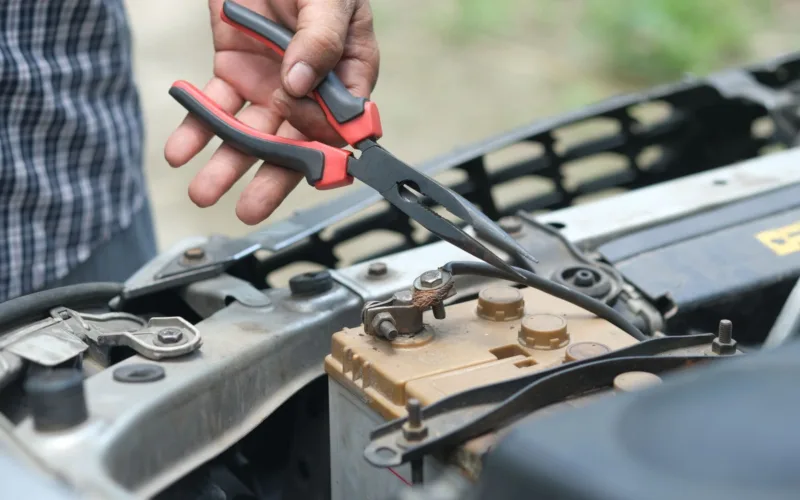
Disconnect the negative battery terminal before any wiring. This prevents short circuits while you run the power wire and protects the car’s electronics if a tool touches the wrong terminal.
Some newer cars need a radio code or a relearn procedure after the battery is disconnected. Check the owner’s manual first and note any codes.
Step 2: Run a Fused Power Wire From the Battery
Run a power wire from the battery to the processor and fuse it close to the battery. A standalone DSP draws only 0.5 to 3 amps, so 16 or 14 gauge wire with a 5 to 15 amp fuse is enough, and the fuse holder should sit within 18 inches of the battery (Audio Intensity, 2026).
If you already have a distribution block for your amplifiers, you can take the DSP power from it. Add a separate small fuse for the DSP feed so a fault in the processor cannot draw the full amplifier fuse current through a thin wire.
Route the power wire down the driver’s side of the car, through a factory grommet in the firewall. Use a rubber grommet or loom wherever the wire passes through metal, because a chafed power wire can short against the body.
A DSP amplifier draws much more current than a standalone processor. Size its wire and fuse from the manufacturer’s manual, the same way you would for any amplifier.
Step 3: Ground the DSP at the Same Point as the Amplifiers
Ground the processor at the same chassis point as your amplifiers. Separate ground points can sit at slightly different voltages, and that difference becomes audible whine through the RCA cables. Audio Intensity recommends measuring less than 50 mV between ground points (Audio Intensity, 2026).
To make a good ground:
- Choose a bolt on the chassis near the amplifiers, not a seat belt anchor or a thin panel.
- Sand away paint to bare metal around the bolt hole.
- Crimp a ring terminal onto the ground wire and fasten it tightly.
- Keep the ground wire short, ideally under 18 inches.
- Seal the connection with paint or grease to prevent corrosion.
A multimeter set to DC volts confirms a good ground. With the system on, measure between the DSP ground terminal and the amplifier ground terminal. A reading near zero means the grounds are equal.
Step 4: Connect the Remote Turn-On Wire
The remote turn-on wire tells the processor and amplifiers to switch on with the radio. Use 18 gauge wire from the head unit’s remote output to the DSP remote input (Audio Intensity, 2026). Many processors then provide a remote output that switches on the amplifiers in the correct order.
Turning the amplifiers on after the processor has settled prevents a loud pop at start-up. If your DSP has a remote output, connect every amplifier’s remote input to it instead of to the head unit.
Factory radios often have no remote wire. In that case, most processors can sense the signal on their high-level inputs and switch on automatically. Check the manual for the setting, sometimes called auto turn-on or signal sense.
Step 5: Connect the Input Signal
Connect the input that matches your source. An aftermarket head unit connects through RCA cables to the low-level inputs. A factory radio connects through its speaker wires to the high-level inputs, often with a plug-in harness that avoids cutting factory wires. Use one input type only, never both at the same time (Audio Intensity, 2026).
For a factory radio, tap the speaker wires at the radio harness or at the factory amplifier. Record which factory wire goes to which DSP input, including any separate tweeter or midrange feeds. You will need that list when you sum the channels in the software.
Route the RCA cables down the passenger side of the car, away from the power wire. Audio Intensity recommends keeping them at least 18 inches apart (Audio Intensity, 2026). Where the two must cross, cross them at a right angle rather than running them side by side.
Step 6: Connect the DSP Outputs to the Amplifiers
Run an RCA cable from each DSP output to the matching amplifier input. Label both ends with the channel name, such as front left tweeter, so you can check the routing later. Keep these cables short and away from the amplifier power terminals.
Turn every amplifier gain down to its minimum before the first power-up. The processor sets the levels during tuning, and starting low protects the speakers if a channel is misrouted.
If you use a DSP amplifier, the outputs are its speaker terminals. Wire each speaker to its channel with the correct polarity, positive to positive and negative to negative.
Step 7: Power Up, Load the Software and Check Every Channel
Reconnect the battery, turn on the radio at low volume and connect your laptop. Load the manufacturer’s software, update the firmware if prompted, and run the setup wizard to assign each output to a speaker. Then set the crossover settings, starting with a high-pass filter on every tweeter, before you play music.
Check each channel one at a time:
- Mute every output except one.
- Play pink noise at a low level.
- Confirm the sound comes from the correct speaker.
- Repeat for every channel, then unmute all.
Now set the basic crossovers and gain. Our guide to using DSP settings for car audio lists starting values. If you are choosing hardware before starting, the best car audio DSP for an install like this is one whose inputs match your radio and whose outputs cover every speaker you plan to run.
Fix Noise and No-Sound Problems After Installation
Most post-installation problems come from grounds, the remote wire or channel routing. Work through them in order: check power and ground, then the remote signal, then the input and output mapping in the software.
| Symptom | Likely cause | Fix |
|---|---|---|
| Whine that rises with engine speed | Separate or poor ground points | Ground DSP and amps at the same bolt |
| No sound from any speaker | No remote signal or a blown fuse | Check the fuse and remote voltage |
| Sound from the wrong speaker | Swapped RCA cables or mapping | Re-check labels and software routing |
| Pop when the system turns on | Amps switching on before the DSP | Use the DSP remote output |
| Hiss at idle | Amplifier gains set too high | Lower gains and set levels in the DSP |
If you still hear noise, disconnect the input and see if it stops. If it does, the noise enters through the source wiring. If it does not, look at the grounds and the output RCA cables. For more detail, see the Audio Intensity guide to wiring a DSP.
Frequently Asked Questions About Installing a DSP
How long does it take to install a DSP in a car?
A plug-and-play DSP amplifier on a factory radio can take two to four hours. A standalone DSP with separate amplifiers, new power wiring and RCA cables usually takes a full day, plus time for tuning.
Where should I mount a car audio DSP?
Mount it near the amplifiers in a dry, cool place, such as under a seat, on an amplifier rack or behind a trunk panel. Keep the tuning port reachable so you can connect a laptop without removing trim.
What size fuse does a DSP need?
A standalone DSP draws 0.5 to 3 amps, so a 5 to 15 amp fuse near the battery is typical (Audio Intensity, 2026). Follow the manufacturer’s manual, especially for DSP amplifiers, which draw much more current.
Why does my DSP make a whining noise?
Whine that changes with engine speed usually comes from ground points at different voltages. Ground the DSP and amplifiers at the same chassis point, check for less than 50 mV between grounds, and keep RCA cables away from power wires.
Can I install a DSP with a factory radio?
Yes. Connect the factory speaker wires to the processor’s high-level inputs, often with a vehicle-specific harness. Many processors also sense the signal to switch on automatically when the car has no remote wire.
Summary: How to Install DSP Car Audio
- Plan the signal flow and mount the processor near the amplifiers in a dry spot.
- Run fused power, ground at the same point as the amplifiers, and connect the remote wire.
- Use one input type, route RCA cables away from power, and label every output.
- Power up with gains low, map each channel, and protect the tweeters before playing music.