Quick Answer
- To use a DSP in car audio, place it between your source and your amplifiers, map every output channel to one speaker, then set crossovers, gain, time alignment and EQ in that order.
- Keep a factory radio by using the processor’s high-level inputs; use RCA low-level inputs with an aftermarket head unit, and never connect both input types at once (Audio Intensity, 2026).
- Set crossovers before playing music loud, because a tweeter with no high-pass filter can be damaged by full-range bass.
- Set gain with the source at about 75% volume, the DSP master at 0 dB, and amplifier gains set a little low for headroom (Audio Intensity, 2026).
- Save your tune as a preset and use the remote or app for daily changes such as subwoofer level, instead of reopening the software.
To use a DSP in car audio, connect it between the head unit and the amplifiers, tell the software which speaker is on each output, and then set crossovers, gain levels, time delays and equalization for your car. Once tuned, you save the result as a preset and control volume and bass level from the head unit or the processor’s remote.
Decide What You Want the DSP to Fix
Start by naming the problem, because it decides which DSP features you will use most. Keeping a factory screen points to high-level inputs and de-EQ. An off-center stage points to time alignment. Boomy or harsh sound points to parametric EQ. Adding speakers points to extra output channels.
Common goals and the feature that solves each:
| Goal | DSP feature that solves it |
|---|---|
| Keep the factory radio and screen | High-level inputs, channel summing, de-EQ |
| Center the vocals on the dashboard | Time alignment per channel |
| Remove a boomy bass note | Narrow parametric EQ cut |
| Run tweeters and woofers on separate amplifier channels | Active crossovers per channel |
| Add a subwoofer to a factory system | Low-pass filter plus a dedicated output |
Knowing your goal also helps you choose hardware. If you are still comparing processors, the best DSP for car audio is the one with enough outputs for your speakers plus one or two spare, the right inputs for your source, and software you are comfortable with. If you want the background on what happens inside the box first, read our explainer on how a DSP works in car audio.
Choose the Right DSP Setup for Your Car
There are three common ways to add a processor, and the right one depends on your source and your amplifiers. A standalone DSP works with any amplifier. A DSP amplifier combines both in one chassis to save space. Some aftermarket head units include a basic built-in processor.
| Setup | Best for | Trade-off |
|---|---|---|
| Standalone DSP plus separate amplifiers | Larger systems, active three-way fronts | More wiring and mounting space |
| DSP amplifier (processor and amp in one) | Factory radio upgrades, small spaces | Power is limited to the built-in channels |
| Head unit with built-in DSP | Simple systems with an aftermarket radio | Fewer bands and coarser controls |
In newer cars where the radio is part of the dashboard screen, a DSP amplifier is often the neatest choice. It takes the factory speaker wires, processes the signal and powers the new speakers from one box.
Connect the Inputs: High-Level or Low-Level
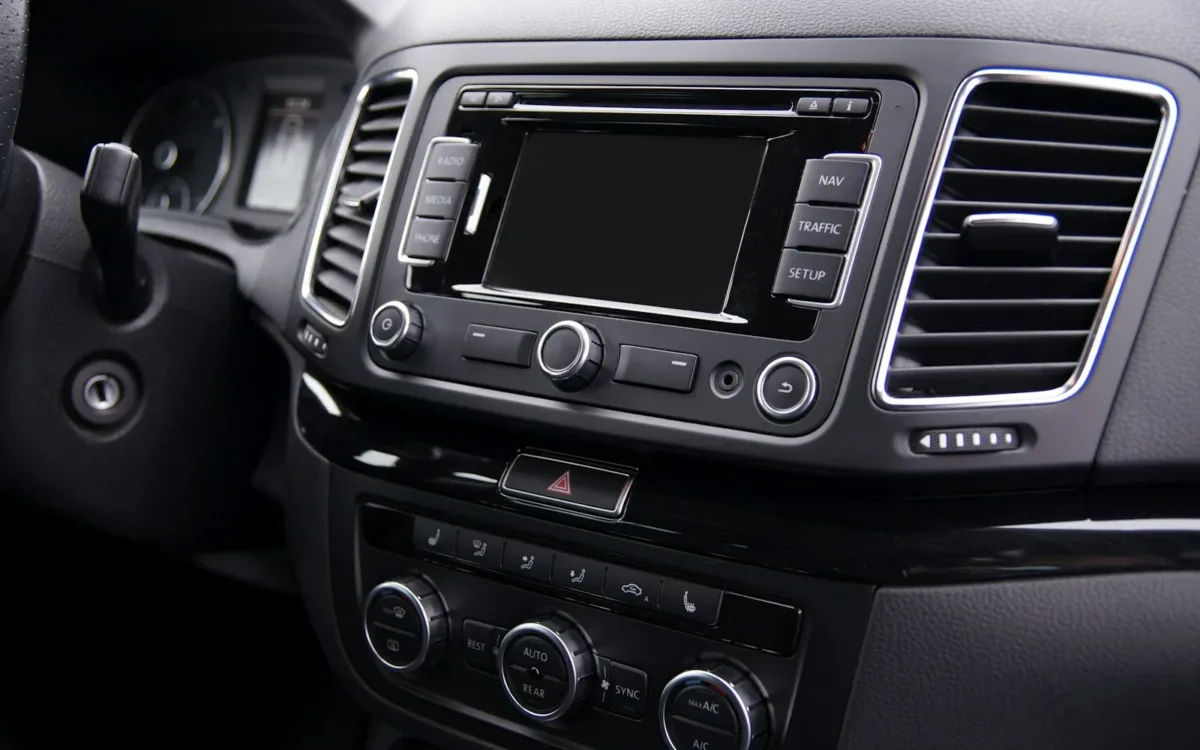
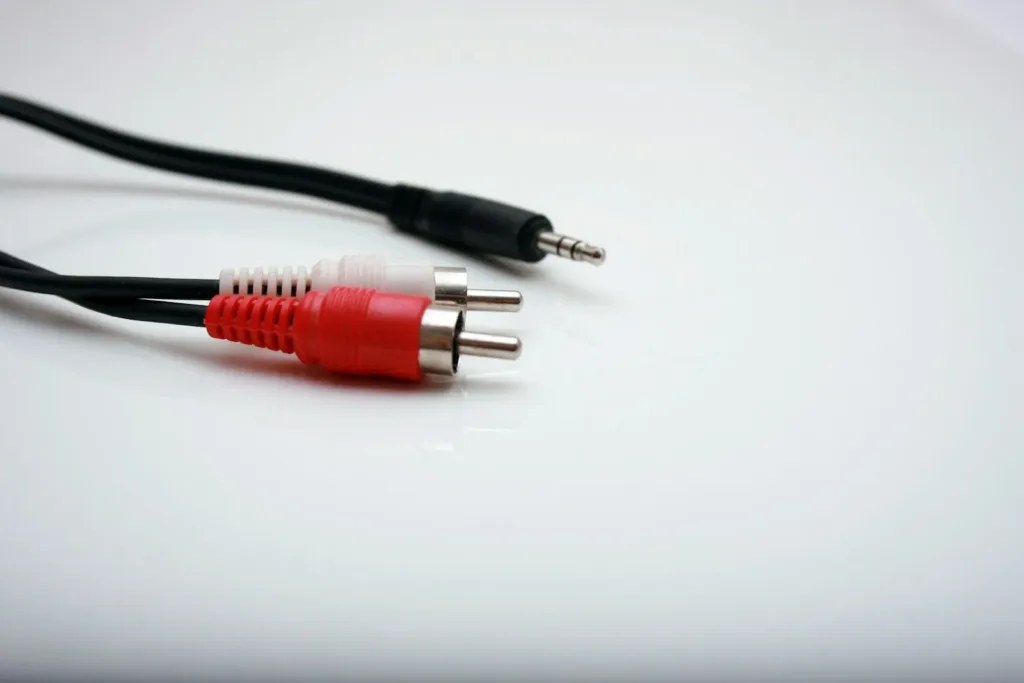
Use the input type that matches your source. A factory radio sends a speaker-level signal, so it goes to the processor’s high-level inputs. An aftermarket head unit with preamp outputs goes to the low-level RCA inputs. Connecting both types at the same time is a common mistake that causes noise and signal problems (Audio Intensity, 2026).
When you use a factory radio, check what signal each factory channel carries. Many premium factory systems already split the signal, so the door wire might carry only midbass while the dash wire carries only treble. The processor’s setup wizard can sum those channels back into one full-range left and right signal.
After summing, turn on the de-EQ or input equalization feature if the processor has one. This removes the factory tuning curve, including bass that rolls off as the volume rises, so your own settings start from a flat signal. A full walkthrough of the wiring side is in our guide to installing a DSP in car audio.
Assign Every Output Channel Before Playing Music
Before you play anything, open the software and assign each output to one speaker, such as front left tweeter, front left woofer or subwoofer. Label each output clearly. This mapping tells the processor where to send each crossover, delay and EQ setting.
Check the mapping at a low volume:
- Mute every output except one.
- Play a quiet test track or pink noise.
- Confirm the sound comes from the speaker you labeled.
- Repeat for every channel.
This takes five minutes and catches swapped RCA cables before they cause bigger problems. It also confirms the polarity of each speaker if you listen for a thin, hollow sound when a left and right pair play together.
Set Crossovers to Protect Every Speaker
Set crossovers next, because they protect the speakers. A tweeter that receives full-range music at high volume can fail in seconds. Give every tweeter a high-pass filter first, then set the woofer and subwoofer filters.
Safe starting points from Diamond Audio are a tweeter high-pass around 3,000 Hz, midrange drivers from about 80 Hz to 3 kHz, and a subwoofer low-pass around 80 Hz (Diamond Audio, 2025). Use 24 dB per octave slopes as a starting point. You can move each point later once you have listened and measured.
Crossovers also decide how bass is shared. If your door woofers are small, raise their high-pass crossover settings to 80 or 100 Hz and let the subwoofer take everything below. Small drivers play louder and cleaner once they stop trying to reproduce deep bass.
Set Gain So the DSP Does Not Clip
Set gain structure before tuning, because distortion at any stage ruins everything after it. Play a test tone, turn the head unit to about 75% of maximum volume, set the DSP master level to 0 dB, and set each amplifier’s gain so it stays clean with some room to spare (Audio Intensity, 2026).
Audio Intensity recommends backing each amplifier gain off 2 to 3 dB from the point where distortion begins (Audio Intensity, 2026). That headroom protects the speakers when a loud track or a bass boost pushes the signal harder than the test tone did.
Many processors show input clipping indicators in the software. If the input indicator lights at 75% volume, lower the input sensitivity in the processor rather than the head unit volume. For more on the numbers behind each setting, see our guide to the best DSP settings for car audio systems.
Use Time Alignment and EQ to Shape the Sound
With the speakers safe and the levels right, use time alignment to center the stage and EQ to smooth the response. These two steps make the biggest audible change, and they depend on your car and your seat.
For time alignment, measure the distance from each speaker to the center of the driver’s headrest. Give the farthest speaker zero delay and delay the closer ones by the difference in inches divided by 13.5, which gives milliseconds (Audio Intensity, 2026).
For EQ, cut peaks before boosting dips. Audio Intensity recommends 5 to 10 corrections per channel and no boost above 3 dB (Audio Intensity, 2026). A measurement microphone and free software such as Room EQ Wizard show where the peaks are, so you are not guessing.
Use Presets and the Remote for Everyday Listening
Once the system sounds right, save it as a preset and leave the laptop in the house. Most processors store several presets, so you can keep one tuned for the driver’s seat, one for all passengers and one with extra bass for louder driving.
Useful presets to create:
- Driver: full time alignment for the driver’s seat.
- Everyone: time alignment turned off, balanced for all seats.
- Quiet: less subwoofer and a slight treble cut for long drives.
Use the wired remote or phone app to switch presets and adjust subwoofer level. Keep the head unit tone controls flat so they do not undo the work you did in the processor.
Common Mistakes When Using a DSP
Most problems come from skipping steps or doing them in the wrong order. Setting EQ before gain, boosting instead of cutting, and tuning with the engine off in a quiet garage are the usual causes of a tune that sounds worse than stock.
Avoid these errors:
- Leaving the head unit’s EQ, loudness or bass boost turned on.
- Using high-level and low-level inputs together.
- Boosting a dip that comes from a cabin cancellation, which only wastes power.
- Setting amplifier gains to maximum.
- Forgetting to save the tune to the processor’s memory before disconnecting the laptop.
Save a copy of each preset file on the laptop as well. If you update the firmware or reset the unit, you can load the file instead of starting again.
Frequently Asked Questions About Using a DSP in Car Audio
Where does a DSP go in a car audio system?
It goes between the source and the amplifiers. The head unit or factory radio feeds the DSP, and the DSP outputs feed the amplifier channels. A DSP amplifier combines the processor and amplifier in one box.
Can I use a DSP without an amplifier?
A standalone DSP has only low-level outputs, so it needs an amplifier to drive speakers. If you do not want separate amplifiers, choose a DSP amplifier, which has built-in amplifier channels.
Should I turn off the head unit EQ when using a DSP?
Yes. Set the head unit EQ, loudness, bass boost and fader to flat or off. The processor should receive a clean signal so your tuning is not changed each time someone moves a slider on the radio.
How many channels does my DSP need?
Count every speaker that will have its own amplifier channel, then add one or two spares. A front component set with separate tweeters and woofers, rear speakers and a subwoofer usually needs eight channels.
Can I use a DSP with a factory radio?
Yes. Use the processor’s high-level inputs, sum any split factory channels, and turn on de-EQ if available. This keeps the factory screen and controls while giving you full control of the sound.
Is it hard to use a DSP?
The basics are manageable for most people: channel mapping, crossovers and gain take an afternoon. Detailed EQ and time alignment take longer and work best with a measurement microphone, but the software saves every change so you can experiment safely.
Summary: How to Use DSP in Car Audio
- Place the DSP between the source and the amplifiers, using the correct input type.
- Map every output channel, then set crossovers to protect the speakers.
- Set gain at 75% source volume with some headroom, then time alignment and EQ.
- Save presets and use the remote for daily changes, with the head unit tone controls flat.