Quick Answer
- To fix a car stereo, match the fix to the symptom: no power usually means a fuse, wiring or ground fault, while power but no sound usually means a setting, a shorted speaker wire or a factory amplifier problem.
- A stereo that asks for a code after a battery change is in anti-theft mode and needs its radio code, not a repair.
- A stereo that shuts off or resets while driving often has a loose ground or low voltage; a healthy charging system shows 13.5 to 14.5 volts with the engine running (AutoZone, 2026).
- Frozen screens, strange messages and buttons that do nothing are often cleared by resetting the stereo’s processor (Pioneer DEH-X8800BHS manual).
- If the stereo fails a bench test, or the repair would cost more than a new receiver, replacing it is usually the better choice.
How to fix car stereo problems depends on what the stereo is doing, so start by naming the symptom: no power, power but no sound, random shutoffs, poor radio reception, Bluetooth trouble or a frozen screen. Each symptom has a short list of likely causes, and most can be fixed with a fuse, a reset, a tightened connection or a settings change.
Car Stereo Problems and Their Most Likely Causes
Most car stereo faults fall into a handful of patterns. Use this table to go straight to the section that matches yours.
| Symptom | Most likely cause | First fix to try |
|---|---|---|
| No power at all | Blown fuse, loose harness or bad ground | Check both stereo fuses |
| Power but no sound | Mute, fader, shorted speaker wire or factory amp | Check settings, then speaker wires |
| Turns off while driving | Loose ground or low voltage | Tighten the ground, test the battery |
| Loses settings when the car is off | No constant 12-volt power | Check the yellow wire and its fuse |
| Asks for a code | Anti-theft mode after power loss | Enter the radio code |
| Radio static, other sources fine | Antenna or antenna adapter | Reseat the antenna plug |
| Frozen screen or buttons | Software glitch | Reset the stereo |
If you are not sure which symptom you have, work through our guide on how to test a car stereo first. It shows how to check power, ground and speakers with a multimeter.
How to Fix a Car Stereo With No Power
A car stereo with no power usually has a blown fuse, a loose wiring plug or a bad ground. Check them in that order, because the fuse is the quickest fix.
- Check the radio fuse in the interior fuse box and any fuse on the back of the stereo. Replace a blown fuse with one of the same amp rating.
- If the new fuse blows at once, stop. Something is shorted, often a pinched power wire or a failed stereo.
- Remove the stereo and check that the wiring harness plug is fully seated.
- Measure about 12 volts on the constant (yellow) and switched (red) power wires, and check that the ground (black) is tight on bare metal.
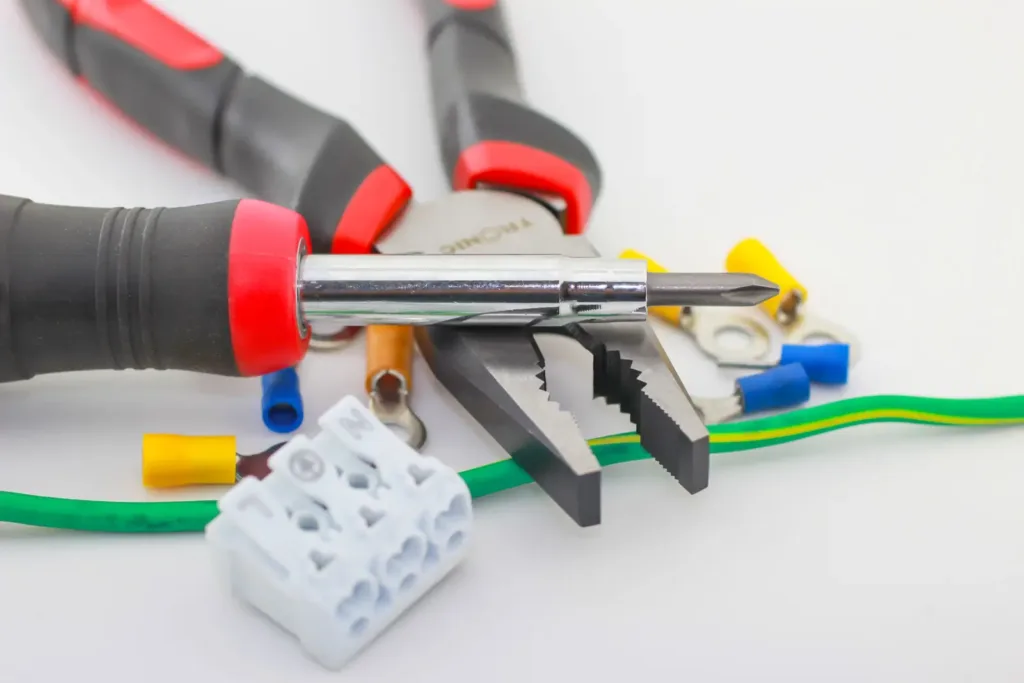
If both power wires have 12 volts and the ground is good but the stereo still stays dark, the stereo itself has likely failed.
How to Fix a Car Stereo That Has Power but No Sound
A stereo that lights up but plays no sound is most often muted, faded to one corner, or protecting itself from a shorted speaker wire. Start with the settings, because they take seconds to check.
- Check mute, volume, balance and fader. A fader set fully to the rear silences the front speakers.
- Check the source. Try the radio, Bluetooth and USB; if only one source is silent, the problem is that source.
- Look for a shorted speaker wire. A bare speaker wire touching metal can make many aftermarket stereos shut off their outputs or show a protection message.
- Check the factory amplifier. Many premium factory systems use a separate amplifier that needs a turn-on signal; if that amplifier or its fuse fails, the stereo powers up but every speaker stays silent.
If only one speaker is silent, test that speaker’s resistance and wiring. Our guide on fixing blown car speakers shows what the readings mean. If an external amplifier is silent, see how to fix a blown car amplifier.
How to Fix a Car Stereo That Turns Off or Resets
A car stereo that turns off, restarts or loses power over bumps usually has a loose ground, a loose harness plug or low voltage. Tighten the ground screw and reseat the harness first.
Then check the battery and charging system. A healthy battery rests at about 12.6 volts with the engine off, and the voltage should rise to 13.5 to 14.5 volts with the engine running (AutoZone, 2026). Many stereos shut down when voltage drops too low during engine starts or with a weak battery.
If the stereo turns off only at high volume, the power wiring may be too thin or the stereo may be overheating. Keep the vents at the back of the unit clear.
How to Fix a Stereo That Loses Settings or Asks for a Code
A stereo that forgets presets and the clock every time you switch off is missing its constant 12-volt power. The constant (yellow) wire keeps the memory alive, so check its fuse and connection; if the yellow and red wires were swapped during an install, the memory clears every time the key comes out.
A factory stereo that shows “CODE” or “ENTER CODE” after a battery change is in anti-theft mode. It needs the radio code for your car, which is often on a card in the owner’s manual or a sticker in the glove box. Our guide on how to reset car radio units covers codes and reset steps.
How to Fix Bad Radio Reception
If the radio is full of static but Bluetooth and USB sound clean, the stereo is fine and the antenna path is the problem. Check that the antenna plug is fully pushed into the back of the stereo and that any antenna adapter is connected.
Then check the antenna mast for damage or corrosion. Some cars with antennas built into the window or roof also need a powered antenna adapter connected to the stereo’s antenna power wire.
How to Fix Bluetooth, USB and Screen Problems
Most Bluetooth, USB and screen faults are software problems that a reset or re-pair clears. Try the simplest fix first.
- Bluetooth will not connect: delete the stereo from the phone’s Bluetooth list and the phone from the stereo’s device list, restart both, then pair again.
- USB not recognized: try a different cable and a smaller drive formatted as the manual specifies.
- Frozen screen or strange messages: reset the stereo. Pioneer’s manuals tell owners to reset the microprocessor when the unit fails to operate properly or strange messages appear on the display (Pioneer DEH-X8800BHS manual).
- Touchscreen not responding: check for a firmware update on the manufacturer’s website, then recalibrate the screen if the menu offers it.
How to Fix a Stuck or Skipping CD Player
A skipping CD player usually needs a clean disc or a cleaning disc for the lens, while a disc that will not eject needs a reset or a careful manual method. Our step-by-step guide on how to remove a CD from a car stereo covers seven methods, from forced eject to the catch-release hole.
When to Replace Instead of Repair
Replace the stereo when it fails a bench test, when parts are no longer available, or when the repair costs more than a new receiver. A new stereo also adds features older units lack, such as Apple CarPlay and Android Auto.
Check the car’s setup before you buy. Crutchfield notes that factory features such as satellite radio, navigation and Bluetooth often stop working after a replacement, because they are built into the factory stereo or use proprietary connections (Crutchfield, 2024). Our guide on how to upgrade a car stereo walks through the parts and installation steps.
Frequently Asked Questions About Fixing a Car Stereo
Why did my car stereo suddenly stop working?
The most common causes are a blown fuse, a loose wiring plug behind the stereo, a poor ground or a weak battery. Check the fuses first, then the power and ground wires with a multimeter.
Can I fix a car stereo myself?
Yes, for most common faults. Fuses, loose plugs, grounds, resets and Bluetooth pairing problems need only basic tools. Internal repairs, such as a failed amplifier chip or CD mechanism, are usually better handled by a repair shop or by replacing the stereo.
How do I reset my car stereo?
Press the reset button with a pen tip on aftermarket stereos, use the factory reset option in the settings menu, or cut power by pulling the radio fuse. Have the radio code ready for factory stereos.
Why does my car stereo have power but no sound?
Check mute, volume, balance and fader first. Then look for a speaker wire shorted to the car body, which can put the stereo into protection mode, or a failed factory amplifier in premium systems.
Why does my car stereo keep turning off?
A loose ground, a loose harness plug or low battery voltage is the usual cause. Tighten the ground, reseat the plug and test the battery and alternator.
Is it worth repairing a car stereo?
It is worth it when the fix is a fuse, wiring connection or reset. If the stereo itself has failed, replacing it with a new receiver often costs about the same and adds modern features.
Summary: How to Fix a Car Stereo
- Identify the symptom first, then check fuses, power, ground and settings in that order.
- Power but no sound usually means settings, a shorted speaker wire or a factory amplifier fault.
- Random shutoffs point to a loose ground or low voltage; lost settings point to the constant 12-volt wire.
- Reset the stereo for frozen screens and odd messages, and replace it if it fails a bench test.