Quick Answer
- Start free: set the EQ flat, turn off loudness and “surround” effects, center the balance and fader, then make small EQ cuts where the sound is harsh or boomy.
- Use a wired USB or CarPlay/Android Auto connection when you can; Bluetooth codecs top out between about 264 and 990 kbps (SoundGuys, 2025) and cannot carry lossless audio.
- Stream at your app’s highest quality: Spotify Premium now offers 24-bit/44.1 kHz FLAC lossless (Spotify, 2025), though Bluetooth compresses it before it reaches the car.
- Factory radios make only 10 to 25 watts RMS per channel (Crutchfield, 2026), so new speakers plus a small amplifier is the biggest paid upgrade.
- Sound deadening and a subwoofer each fix a specific problem: road noise hides detail, and small door speakers cannot play the lowest octave.
To get the most out of your stereo, fix the free things first: reset the EQ and sound effects, use the best music source and connection you have, and set volume levels so nothing clips. Then upgrade in the order that gives the biggest improvement per dollar: speakers, an amplifier, a subwoofer and sound deadening. This guide covers both, for factory and aftermarket car stereos.
Reset the Sound Settings You Already Have
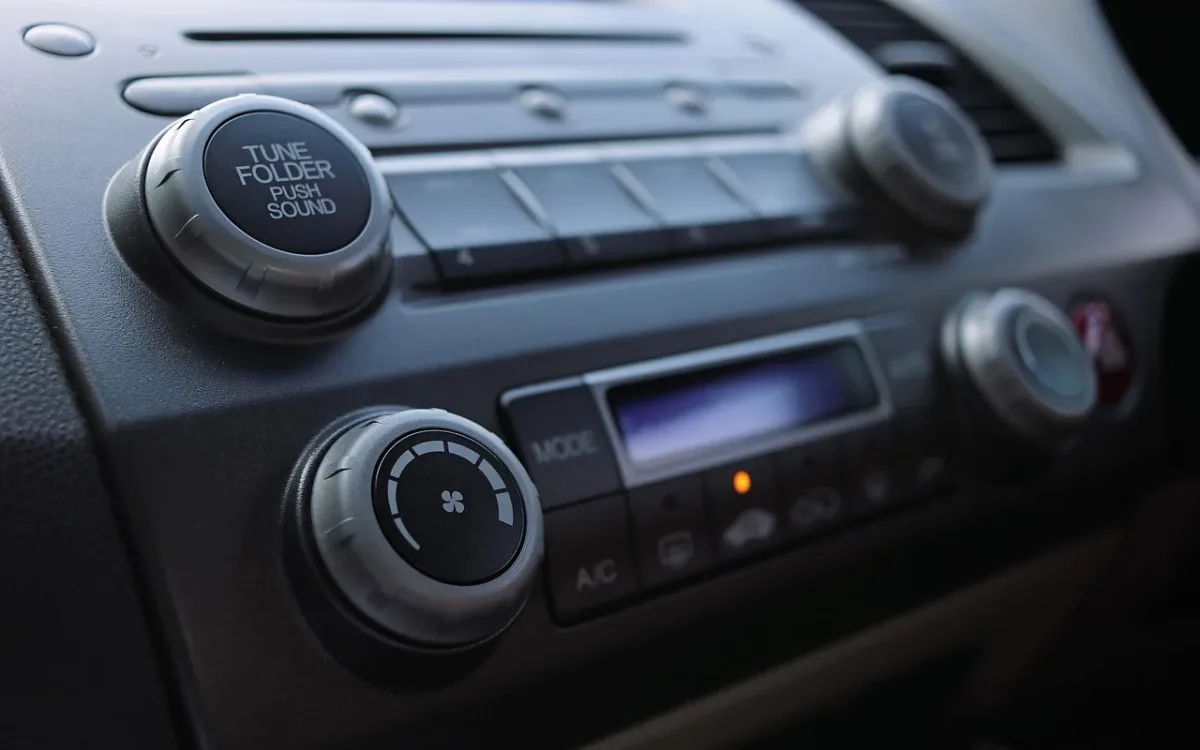
Reset your stereo’s sound settings to neutral before changing anything else. Set every EQ band to zero, turn off loudness, bass enhancement and “surround” or “stage” effects, and center the balance and fader. This gives you a clean baseline and removes the processing that often causes distortion.
Many cars ship with bass and treble raised, or with a sound effect switched on at the dealership. Boosted tone controls push the stereo’s small built-in amplifier into clipping at highway volume, which is why a system can sound fine when parked and harsh at 70 mph.
Use the Best Music Source and Connection
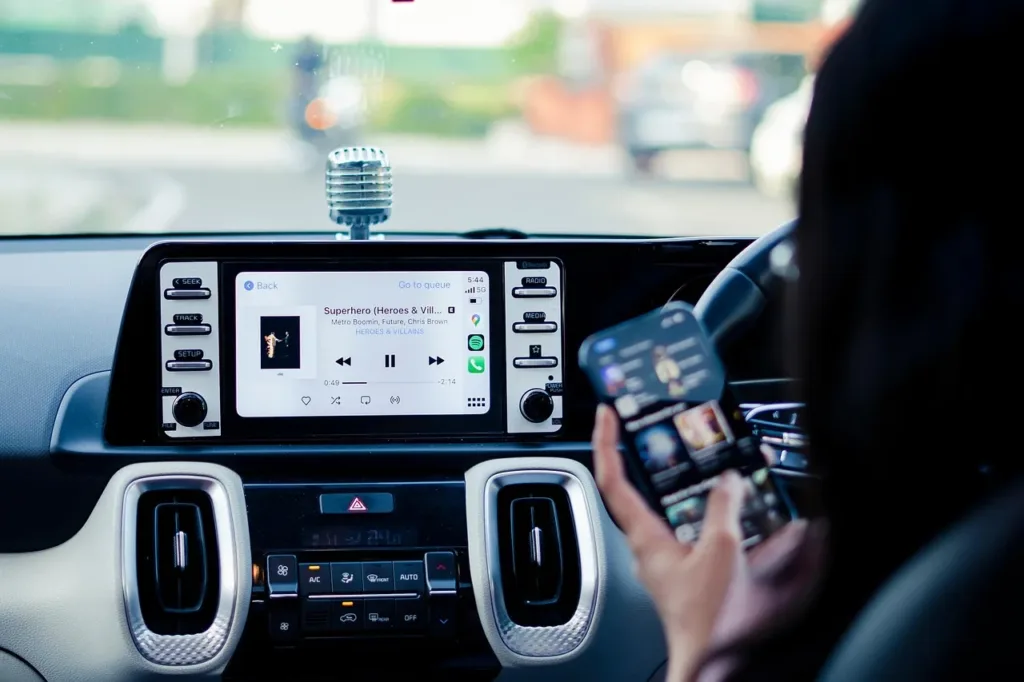
A wired connection gives you the cleanest signal. Plug your phone in by USB, or use wired Apple CarPlay or Android Auto, rather than Bluetooth when sound quality matters. Bluetooth has to compress audio to fit its limited bandwidth, and the result depends on which codec your phone and car share.
| Bluetooth codec | Maximum bitrate | Common on |
|---|---|---|
| SBC | 320 kbps | Every Bluetooth car stereo |
| AAC | 264 kbps | iPhones and many stereos |
| aptX | 352 kbps | Many Android phones and aftermarket head units |
| aptX HD | 576 kbps | Selected Android phones and head units |
| LDAC | 990 kbps | Sony and many Android phones |
Source: SoundGuys Bluetooth codec guide (SoundGuys, 2025).
Streaming quality matters too. According to Spotify’s lossless listening announcement, Premium added 24-bit/44.1 kHz FLAC lossless streaming in 2025, but Spotify notes that Bluetooth does not provide enough bandwidth for lossless audio, so the signal is compressed before it is sent (Spotify, 2025). Turn on the highest quality setting in your music app, download playlists for driving, and use a wired connection to hear the difference.
Set your phone volume correctly
Over Bluetooth or USB, turn your phone’s volume to maximum and control loudness with the car stereo. A phone at half volume sends a weaker signal, so the stereo has to amplify its own noise along with the music. If you hear distortion with the phone at full volume, lower it one or two steps.
Tune the EQ for Your Car
Once the baseline is set, make small EQ adjustments, and prefer cuts to boosts. Lowering a boomy or harsh band by 2 or 3 dB usually sounds cleaner than raising everything else, and it keeps the stereo’s amplifier out of clipping.
Car interiors cause predictable problems. Hard glass and plastic make some frequencies harsh, and the small cabin exaggerates certain bass notes. Use this table as a starting guide:
| If the sound is… | Band to adjust | Adjustment |
|---|---|---|
| Boomy or muddy | 100 to 250 Hz | Cut 2 to 3 dB |
| Thin, lacking punch | 60 to 100 Hz | Small boost of 1 to 2 dB |
| Boxy or “honky” | 400 Hz to 1 kHz | Cut 2 dB |
| Harsh or tiring on vocals | 2 to 4 kHz | Cut 2 to 3 dB |
| Dull, lacking detail | 8 to 12 kHz | Small boost of 1 to 2 dB |
Use Balance, Fader and Listening Position Settings
If you usually drive alone, shift the sound toward the driver. Many stereos have a listening position setting that adjusts balance, and on some models time delay, so sound from the left and right speakers reaches the driver together.
Without that setting, a small nudge of the balance toward the passenger side and the fader slightly forward helps center the sound in front of you. Keeping most of the sound in the front speakers gives a more focused stereo image, like sitting in front of a stage rather than inside the band.
Upgrade the Speakers
New speakers are the biggest single upgrade for most factory systems. Factory speakers usually use lightweight paper cones and small magnets, and aftermarket speakers deliver tighter bass and clearer detail from the same stereo.
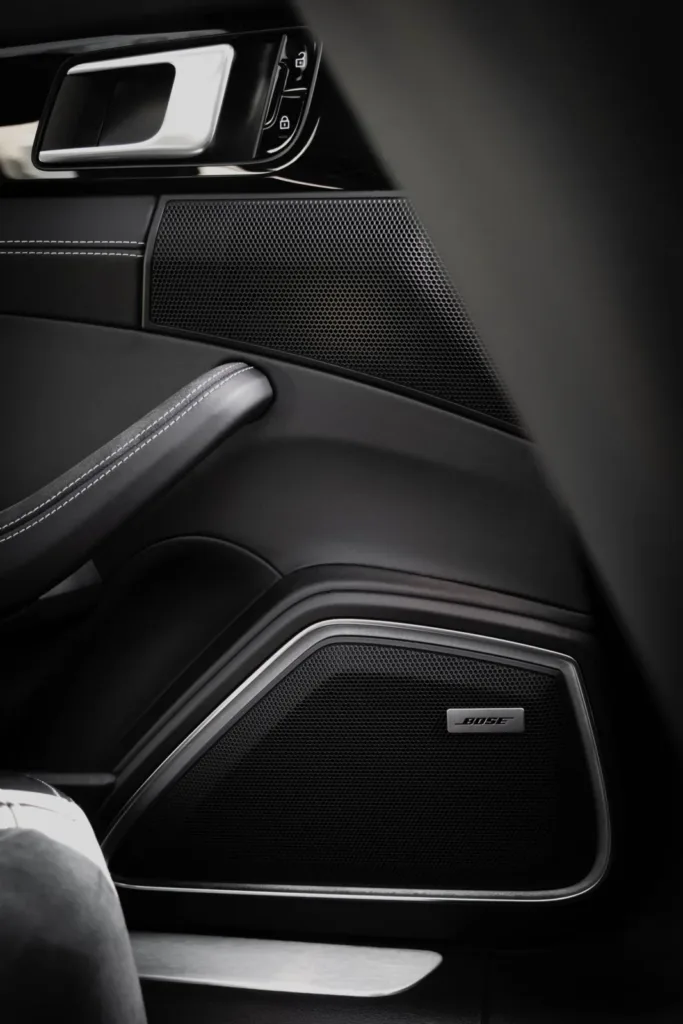
If you are keeping the factory radio, choose speakers with high sensitivity, around 90 dB or more, because they play louder on low power. Component speakers, with separate tweeters mounted higher in the door or dash, give a better stereo image than coaxial speakers but take longer to install.
Check the fit before you buy: speaker size, mounting depth and whether the car uses a proprietary bracket or connector. Replace the front pair first, since the front speakers carry most of what you hear from the driver’s seat.
Add an Amplifier for Clean Power
Add an amplifier when your speakers distort before they are loud enough. Factory radios produce about 10 to 25 watts RMS per channel, and even premium factory amplifiers deliver around 50 watts RMS per channel (Crutchfield, 2026). Aftermarket speakers are often rated for 50 to 100 watts.
More clean power does more than raise the volume ceiling. It gives the system headroom for the short peaks in music, which keeps drums and vocals clean at normal listening levels. Our guide on how to choose an amplifier for car speakers explains how to match channels and RMS power to your speakers, and how to connect an amplifier to a factory stereo.
Once it is installed, the gain and crossover settings decide how good it sounds. Follow our step-by-step guide on how to tune your car amplifier to set them properly.
Add a Subwoofer for Full-Range Sound
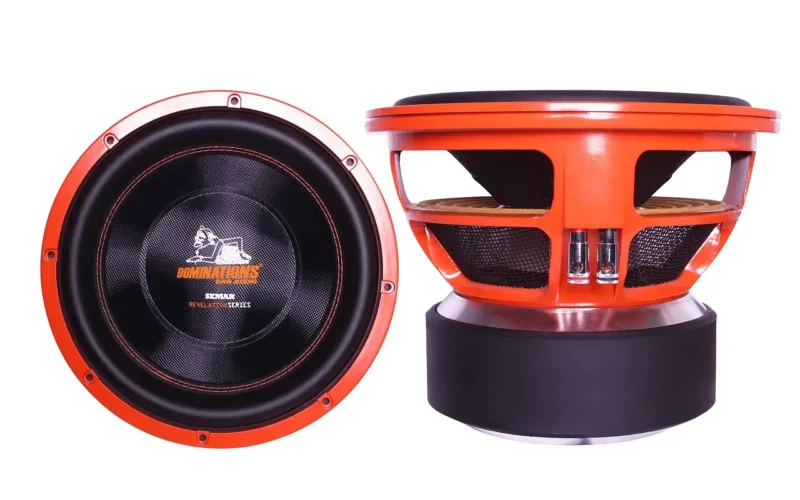
A subwoofer adds the bottom octave of music that small door speakers cannot reproduce, and it lets those door speakers play cleaner. Set a high-pass filter around 80 Hz on the door speakers so they stop straining on deep bass, and let the subwoofer handle everything below.
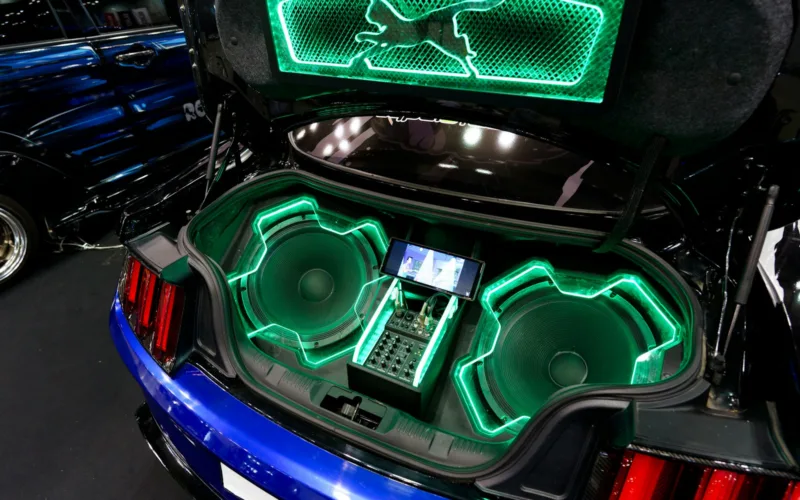
A compact powered subwoofer, with the amplifier built in, fits under a seat or in a corner of the trunk and is the simplest option. A separate subwoofer and enclosure with its own amplifier gives more output and depth if you have the space.
Reduce Road Noise With Sound Deadening
Sound deadening lowers the background noise that hides detail and bass, so you can hear more at lower volume. Constrained layer damping (CLD) tiles, a butyl layer bonded to aluminum foil, stop door skins and panels from vibrating.
You do not need full coverage. In independent testing shared by ResoNix Sound Solutions, a CLD square covering 25% of a test panel reduced resonance by 16.5 dB (ResoNix Sound Solutions, 2023). Start with the outer door skins behind the speakers, which also improves midbass because the door stops acting like a drum.
Foam tape between rattling trim pieces and a tightened license plate remove many of the buzzes that appear once a system gets louder. Quieter panels also mean you can play at a lower volume, which is easier on your ears on long drives.
Keep the Stereo System Healthy
A stereo that cuts out, hums or distorts at moderate volume often has a wiring problem rather than a hardware one. Loose grounds, corroded connections and failing fuses all degrade sound before they stop it entirely.
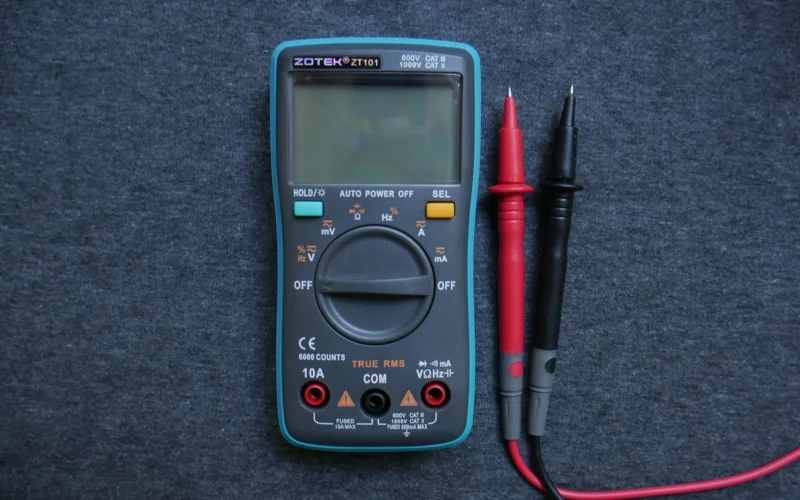
If you have an amplifier, check its power, ground and remote connections once a year, especially after hot summers or wet winters. Our guide on how to test a car amplifier with a multimeter shows each reading to check. If the amplifier has stopped working, our guide on how to fix a blown car amplifier walks through the diagnosis.
Upgrade Path by Budget
Spend in the order that gives the biggest audible improvement. Each step builds on the one before, so skipping ahead rarely pays off.
| Budget | What to do | What you gain |
|---|---|---|
| Free | Reset EQ and effects, wired connection, highest streaming quality | Cleaner sound, less distortion |
| Low | Replace front speakers; foam tape on rattles | Clarity and tighter bass |
| Medium | Add a 4-channel amplifier; sound deaden front doors | Clean volume, better midbass |
| Higher | Add a subwoofer and its amplifier | Full-range sound and deep bass |
| Highest | Add a digital signal processor (DSP) and professional tuning | Accurate imaging and balance |
Common Mistakes That Make a Car Stereo Sound Worse
The most common mistakes are boosting every tone control, relying on Bluetooth for critical listening and adding power without fixing the speakers or rattles first.
- Setting bass and treble to maximum, which makes the stereo clip at highway volume.
- Leaving surround or stage effects on, which smear the stereo image.
- Keeping the phone at half volume over Bluetooth or USB, which adds noise.
- Streaming at the app’s low or automatic quality setting on a mobile connection.
- Adding a big subwoofer to factory speakers without a high-pass filter on the doors.
- Turning an amplifier’s gain to maximum and treating it as a volume control.
Frequently Asked Questions About Getting the Most Out of Your Stereo
What is the best EQ setting for a car stereo?
There is no single best setting, because every car and speaker is different. Start with all bands at zero, then make small cuts of 2 to 3 dB where the sound is boomy, around 100 to 250 Hz, or harsh, around 2 to 4 kHz. Small changes beat large boosts.
Is Bluetooth or USB better for car audio?
USB and wired CarPlay or Android Auto are better for sound quality. Bluetooth compresses audio to fit its bandwidth, with codecs ranging from about 264 kbps for AAC to 990 kbps for LDAC (SoundGuys, 2025), and it cannot carry lossless streams.
How can I make my factory car stereo sound better without replacing it?
Reset the EQ and sound effects, use a wired connection, stream at high quality and fix rattles. For bigger gains, replace the front speakers with high-sensitivity models and add a small amplifier with speaker-level inputs, which connects to the factory radio directly.
Does sound deadening improve car audio?
Yes. It reduces road noise and stops door panels from vibrating, which improves midbass and detail. You do not need full coverage; one test found a 25% coverage patch cut panel resonance by 16.5 dB (ResoNix Sound Solutions, 2023).
Do I need an amplifier for new car speakers?
Not always. High-sensitivity speakers of around 90 dB or more sound good on a factory radio. Speakers rated for 50 watts RMS or more benefit from an amplifier, because factory radios provide only about 10 to 25 watts RMS per channel (Crutchfield, 2026).
Summary: How to Get the Most Out of Your Stereo
- Reset EQ, loudness and sound effects to neutral, then make small cuts rather than boosts.
- Use a wired connection and your music app’s highest quality setting.
- Replace the front speakers first, then add an amplifier and a subwoofer.
- Quiet the car with sound deadening, and add a DSP once the hardware is in place.