Quick Answer
- To clean a car stereo CD player, clean the discs first, then the slot and faceplate, and only then the laser lens.
- Wipe a disc with a soft cloth in straight lines from the center to the outer edge, never in circles (NIST, 2003).
- Lens cleaning discs divide the manufacturers. Sony says commercial lens cleaning discs are not recommended (Sony, 2025), while Allsop sells one rated for single-disc car players.
- Cleaning the lens by hand means removing the stereo and opening its cover. Use a swab barely damp with isopropyl alcohol of 90% or higher and almost no pressure.
- If the player skips in cold or humid weather, it is condensation. Eject the disc and wait about an hour (Alpine, 2026).
To clean a car stereo CD player, work from the outside in. Most skipping and disc errors come from dirty or scratched discs, so clean those first and test again. If the fault remains, clear dust from the slot, then decide whether to clean the laser lens, either with a brush-type cleaning disc or by opening the unit. Each step is riskier than the one before, so stop as soon as the player works.
Signs Your Car CD Player Needs Cleaning
A dirty lens or dirty discs cause reading errors. The Sci.Electronics.Repair FAQ lists the symptoms of a dirty lens as discs not being recognized, seek failure, audible noise, and erratic tracking, sticking or skipping (Sci.Electronics.Repair FAQ, 2024).
The stereo often tells you with a message. These are the common ones:
| Brand | Message | Meaning in the manual |
|---|---|---|
| Pioneer | ERROR-07, 11, 12, 17, 30 | The disc is dirty or scratched |
| Sony | ERROR | The disc is dirty or inserted upside down |
| Kenwood | TOC ERR, E-04 | Dirty, upside-down or badly scratched CD |
| Kenwood | E-99 | Mechanism malfunction |
| JVC | PLEASE EJECT | Press eject and reinsert the disc correctly |
The meanings are from each maker’s manual (Pioneer, 2026; Sony, 2026; Kenwood, 2026; JVC, 2026). Pioneer notes that the same error numbers can also mean an electrical or mechanical error, and suggests switching the ignition off and on, or changing the source and back (Pioneer, 2026).
One quick test saves a lot of work: try three or four different discs. If only one skips, the disc is the problem. If all of them do, look at the player.
Step 1: Clean the Discs First
Start with the discs, because they are the usual cause and the safest thing to clean. NIST’s guide to disc care notes that fingerprints and smudges can cause more errors than scratches (NIST, 2003).
The direction matters. NIST’s instruction is to wipe from the center of the disc straight toward the outer edge, and not to wipe in a direction going around the disc (NIST, 2003). A scratch that runs along the track is more likely to cause an uncorrectable error than one that crosses it.
- Hold the disc by its edge and center hole.
- Blow off loose dust first.
- Wipe with a soft cotton or microfiber cloth, in straight strokes from the center outward.
- For fingerprints, dampen the cloth with water or isopropyl alcohol, then wipe dry the same way.
NIST lists isopropyl alcohol as an acceptable cleaner and warns against paper products, which can scratch (NIST, 2003). Car stereo makers are more cautious. Sony says to use a soft, dry cloth and not to use solvents such as benzene, thinner, commercially available cleaners or antistatic spray intended for vinyl records (Sony, 2021). JVC says not to use any solvents (JVC, 2026).
The Council on Library and Information Resources publishes the full NIST guidance on cleaning CDs and DVDs.
Step 2: Clean the Slot and Faceplate
Dust on the faceplate and around the slot gets carried in with every disc. Clean it with the stereo switched off.
Wipe the faceplate with a soft, dry cloth. Kenwood’s manual says that for heavy stains you can use a cloth moistened with neutral cleaner, and warns that thinner or alcohol may scratch the surface or erase characters (Kenwood, 2026). Alpine says to dampen the cloth with water only (Alpine, 2026).
Run a dry microfiber cloth or a soft brush along the slot’s lips to lift dust from the felt. Do not push anything into the slot.
Step 3: Should You Use Compressed Air?
Compressed air can clear loose dust from the slot, with care. It can also do harm.
Techspray, which makes air dusters, says to hold the can upright, use short bursts and never shake it, because a tilted or shaken can sprays liquid propellant that can damage electronics (Techspray, 2026). Clear the nozzle with a short burst away from the stereo first.
Keep the nozzle a few inches back from the slot. Forceful air at close range can push debris further inside (XAutoStereo, 2024). Two or three short bursts across the slot are enough.
Step 4: Decide Whether to Use a Lens Cleaning Disc
A lens cleaning disc has small brushes on its surface that sweep the laser lens as the disc spins. Whether to use one in a car player is disputed, and the manufacturers disagree.
| Source | Position |
|---|---|
| Sony | Commercial lens cleaning discs are not recommended; lens cleaning is a service center job |
| Mazda | Do not insert cleaning discs in the CD player |
| Maxell | Its CD-340 brush disc is not compatible with automobile CD players |
| Allsop | Its lens cleaner is listed for car CD players, not multi-disc car systems |
| Sci.Electronics.Repair FAQ | A cleaning disc may get stuck in a slot-loading car player |
These positions are from each source’s own page (Sony, 2025; Mazda, 2017; Maxell, 2026; Allsop, 2026; Sci.Electronics.Repair FAQ, 2024).
The risk is mechanical. A slot-loading player grips the disc with rollers, and raised brushes can catch. If you decide to try one, choose a product whose maker states that it works in car CD players, check your stereo’s manual for a warning first, and follow the product’s track instructions exactly. If the manual says not to use cleaning discs, do not.
A disc that does jam is a separate problem. Our guide on how to remove a CD from a car stereo covers the safe ways to get it out.
Step 5: Clean the Laser Lens by Hand
Cleaning the lens directly works when the lens is the cause, but it means taking the stereo apart. Understand the risks before you start.
Manufacturers advise against it. JVC’s manual labels the unit a Class 1 laser product and says not to open the top cover, because there are no user serviceable parts inside (JVC, 2026). Alpine says not to attempt to repair the unit yourself (Alpine, 2026). Opening the case can also void the warranty.
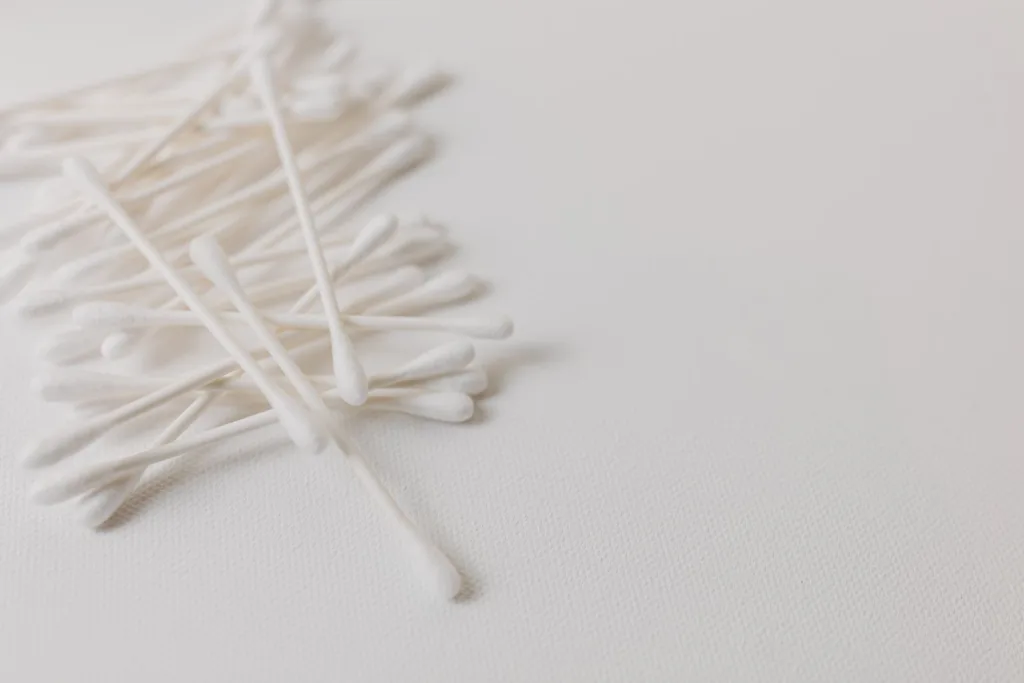
If the stereo is old and out of warranty, the method is this:
- Disconnect the battery’s negative terminal and remove the stereo from the dash.
- Unplug it completely. Never power the unit with the cover off.
- Remove the screws that hold the top cover and lift it away.
- Find the lens. It is a small glass or plastic bead on the laser assembly, a few millimeters across.
- Dampen a cotton swab with isopropyl alcohol of 90% or higher (XAutoStereo, 2024). It should be damp, not wet.
- Touch the lens lightly and give the swab a quick twirl, then use the dry end to remove any excess (Gizmo Highway, 2026).
- Let it dry for a minute, refit the cover and reinstall the stereo.
Pressure is the danger. An iFixit answer on the subject warns to clean the laser gently, because it moves up and down and can be damaged by too much pressure (iFixit, 2019). The same answer prefers a lightly damp microfiber cloth to a swab, since swabs can leave fibers behind.
When the Problem Is Condensation
A player that skips or refuses discs on cold mornings or in humid weather may only be damp. Kenwood’s manual explains that with the car heater on in cold weather, dew or condensation may form on the lens (Kenwood, 2026).
The fix is patience. Alpine says to remove the disc from the player and wait about an hour for the moisture to evaporate (Alpine, 2026), and Pioneer gives the same advice of about one hour (Pioneer, 2026). Cleaning is not needed.
Discs That Should Never Go in a Car CD Player
Some discs damage the mechanism or leave residue inside it, which no cleaning will reverse.
- 8 cm mini discs and shaped discs. Pioneer lists 8-cm discs and oddly shaped discs as unusable (Pioneer, 2026), and Kenwood says 3-inch CDs cannot be used (Kenwood, 2026).
- Cracked or warped discs. Alpine warns that playing a bad disc could severely damage the playback mechanism (Alpine, 2026).
- Discs with paper labels or stickers. Labels can warp a disc or come off inside the player (Pioneer, 2026).
- Sticky discs. Sony notes that residue from rental or secondhand discs can cause the CD to stop spinning (Sony, 2026).
How to Keep a Car CD Player Clean
Prevention is mostly about how you treat the discs.
Store discs in cases, and take them out of the car in summer. NIST warns that recordable discs can become unusable in a matter of days in direct sun and heat, such as on a car dashboard, and that extreme heat can warp a disc (NIST, 2003). The Library of Congress advises handling discs by the edge and center hole only (Library of Congress, 2026).
When Cleaning Will Not Fix It
If clean discs and a clean lens make no difference, a part has worn out. A weak laser shows itself in two ways: the player needs two or three attempts to recognize a disc, or it reads pressed CDs but not home-burned CD-Rs (The Daily Automotive, 2026).
Loading faults are mechanical. Engineer Fix lists a broken or misaligned gear, a failed eject motor or a worn rubber roller, and notes that repair labor can quickly approach the price of a new unit (Engineer Fix, 2026).
For most people, replacement is the practical answer. Our guide on how to fix a car stereo covers the other checks worth making first, and how to upgrade a car stereo explains how to choose a replacement.
Frequently Asked Questions About Cleaning a Car CD Player
Can I use a lens cleaning disc in a car CD player?
It depends on the stereo. Sony says they are not recommended (Sony, 2025) and Mazda says not to insert them (Mazda, 2017). Allsop sells one listed for single-disc car players. Check your stereo’s manual first.
Which way do I wipe a CD?
In straight lines from the center to the outer edge. Do not wipe around the disc in circles (NIST, 2003).
Why does my car CD player skip when it is cold?
Condensation has formed on the lens. Eject the disc and wait about an hour for the moisture to evaporate (Alpine, 2026).
Is compressed air safe for a car CD slot?
In short bursts with the can upright, yes (Techspray, 2026). Keep the nozzle back from the slot so the air does not push dust deeper.
Can I use rubbing alcohol to clean a CD?
NIST lists isopropyl alcohol as acceptable for discs (NIST, 2003). Sony and JVC advise a dry cloth and no solvents, so use alcohol sparingly and only for stubborn fingerprints.
Summary: How to Clean Car Stereo CD Player Parts Safely
- Clean the discs first, wiping from the center straight to the edge.
- Wipe the faceplate and slot, and use compressed air only in short, upright bursts.
- Use a lens cleaning disc only if your stereo’s manual and the product both allow it.
- Clean the lens by hand only on an out-of-warranty unit, with the power disconnected and almost no pressure.