Quick Answer
- To remove a CD from a car stereo, start with the least risky fix: turn the ignition to accessory, press and hold eject, and check the manual for a forced-eject button combination.
- If eject does nothing, reset the stereo by disconnecting the negative battery terminal for up to 10 minutes, then try eject again (YourMechanic, 2016).
- If the disc is jammed but visible, gentle manual methods work: a second CD pressed on top, a thin stick wrapped in double-sided tape, or tweezers while pressing eject (YourMechanic, 2016).
- Some units have a small catch-release hole that a straightened paperclip can push to release the disc (YourMechanic, 2016).
- Never pry with a knife or screwdriver. If the disc will not move, remove the stereo from the dash or take it to an installer.
Here is how to remove a CD from a car stereo when it will not eject, starting with safe electronic fixes and moving to careful manual methods. Work through them in order and stop as soon as the disc comes out. Most stuck CDs are caused by a stereo that has frozen, a disc label that has lifted, or a second disc pushed into the slot.
Why CDs Get Stuck in Car Stereos
A CD usually gets stuck because the stereo’s loading mechanism has frozen or the disc is caught on something. Knowing the cause helps you pick the right method.
- The stereo has frozen. The eject button does nothing and the display may be stuck. A reset usually fixes this.
- A label or sticker has peeled. Paper labels can lift in a hot car and jam the rollers.
- Two discs are in the slot. Pushing a second disc in on top of the first is a common cause of jams.
- The disc is warped or damaged. Heat and cracks stop the mechanism from gripping the disc evenly.
Listen when you press eject. A whirring or clicking sound means the mechanism is trying to move the disc, and gentle help from outside may free it. Silence usually means the stereo is frozen or has no power.
Method 1: Press Eject With the Ignition On
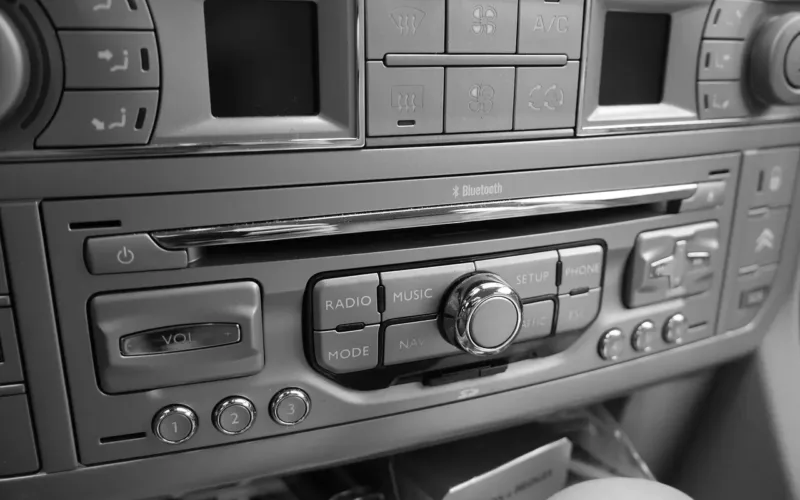
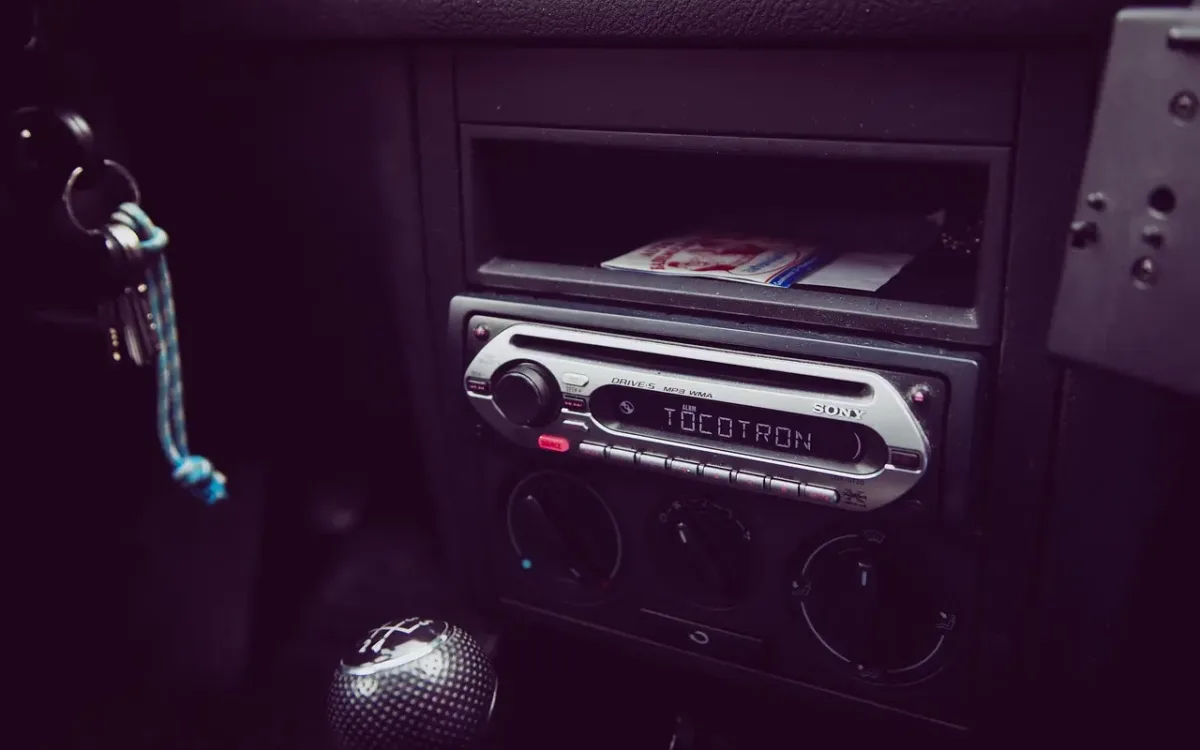
Turn the key to accessory or start the car, then press and hold the eject button for a few seconds. Some stereos only eject with power on, and some have a forced-eject function that runs when you hold eject longer than normal.
Check the owner’s manual for a forced-eject or reset procedure for your model. Some factory radios use a button combination, such as eject plus a preset button, to force the disc out.
Method 2: Reset the Stereo by Disconnecting the Battery
If the eject button does nothing, reset the stereo’s electronics by cutting its power. YourMechanic’s procedure is to turn off the engine, disconnect the negative battery terminal, wait up to ten minutes, reconnect it and try eject again (YourMechanic, 2016).
Before you do this, find your radio’s anti-theft code. Many factory radios ask for a code after the battery is disconnected; our guide on how to reset car radio units explains where to find it. You may also lose saved presets and the clock.
Pull the Radio Fuse Instead
A quicker way to cut power to the stereo alone is to pull its fuse. Find the radio fuse in the interior fuse box, remove it with a fuse puller, wait a minute and push it back in. YourMechanic also suggests replacing the radio fuse with a new one of the same amp rating if the old one is blown (YourMechanic, 2016).
Method 3: Use a Second CD to Push the Stuck Disc
Use a second disc you do not care about to press the stuck CD against the rollers. Slide the spare CD about 1 inch into the slot so it rests on top of the stuck disc, press down gently, and press eject at the same time (YourMechanic, 2016).
This works when the rollers are turning but not gripping the disc. Do not push the spare disc in any further, or you will have two stuck discs.
Method 4: Use Double-Sided Tape on a Thin Stick
If you can see the edge of the stuck disc, a thin stick with tape can pull it out. Wrap double-sided tape around a thin wooden stick, such as a popsicle stick, insert it about 1 inch into the slot, press down onto the disc and pull the CD gently toward you (YourMechanic, 2016).
Stop if the stick starts to bend or break, because broken pieces inside the slot are harder to remove than the disc (YourMechanic, 2016). Use tape that will not leave sticky residue on the disc.
Method 5: Grip the Disc With Tweezers
If part of the disc sticks out of the slot, grip it with tweezers or needle-nose pliers wrapped in tape. Press eject and pull at the same time, gently at first and then with a little more force if it starts to move (YourMechanic, 2016).
Stop right away if you hear grinding or cracking. Forcing the disc can snap it in half or bend the loading mechanism.
Method 6: Use the Catch-Release Hole
Some stereos have a small emergency release hole near the slot. If your manual shows one, straighten a paperclip and push it gently into the hole; the disc should pop partly out so you can pull it by hand (YourMechanic, 2016).
Only use this if the manual confirms the hole is a disc release. On many aftermarket stereos, a small hole on the face is the reset button, which restarts the unit instead of releasing the disc. Pressing it is harmless and can also help, but it will not push the disc out on its own.
Method 7: Remove the Stereo or Get It Serviced
If nothing works, remove the stereo from the dash and look at the slot from above and below, or take it to a car audio installer. Some multi-disc changers and factory units need the top cover removed to free the disc safely.
If the CD player fails often and you rarely use discs, it may be a good time to upgrade the car stereo to one with Bluetooth and USB instead.
What Not to Do When a CD Is Stuck
Avoid anything that can scratch, bend or break parts inside the slot. These are the moves that most often turn a stuck CD into a broken stereo:
- Prying with a knife, screwdriver or metal ruler, which can cut the laser lens or roller.
- Inserting a second disc all the way in.
- Using glue, strong adhesive tape or chewing gum on a stick.
- Shaking or hitting the dash.
How to Prevent CDs From Getting Stuck
Most stuck discs can be avoided with a few habits. Use discs without paper labels, keep CDs out of direct sun so they do not warp, and never insert a disc while the stereo is still ejecting another one.
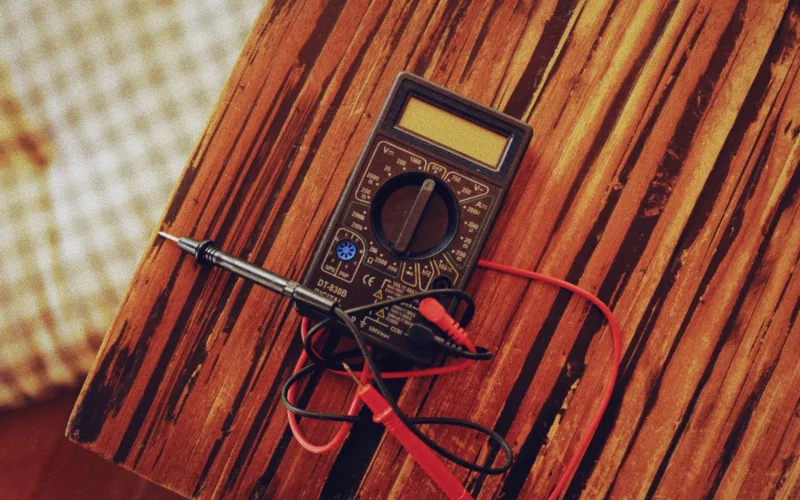
If your stereo still acts up after the disc is out, our guide on how to fix a car stereo covers other common faults, and testing a car stereo shows how to check its power and wiring. For photos of each manual method, see the YourMechanic guide to removing a stuck CD.
Frequently Asked Questions About Removing a Stuck CD
How do I force eject a CD from my car stereo?
Turn the ignition to accessory and press and hold the eject button for several seconds. If that does not work, check the manual for a forced-eject button combination, then reset the stereo by pulling its fuse or disconnecting the battery.
Will disconnecting the battery eject a CD?
Not on its own, but it resets the stereo’s electronics. After you reconnect the battery and turn the ignition on, pressing eject often works again (YourMechanic, 2016). Have your radio code ready first.
Can I use a knife to remove a stuck CD?
No. A knife or screwdriver can scratch the laser lens, cut the rollers or break the disc inside the slot. Use a second CD, a taped stick or tweezers instead.
Why does my car CD player not eject?
The stereo may be frozen, the disc label may have peeled and jammed the rollers, a second disc may be in the slot, or the loading motor may have failed.
How much does it cost to remove a stuck CD at a shop?
Prices vary by installer and vehicle. Many shops charge a short labor fee to pull the stereo and free the disc, and more if the mechanism needs repair, so ask for a quote first.
What does the small hole next to the CD slot do?
On some stereos it is an emergency disc release; on many aftermarket units it is a reset button. Check the manual before pressing it with a paperclip.
Summary: How to Remove a CD From a Car Stereo
- Press and hold eject with the ignition on, and check the manual for a forced-eject combination.
- Reset the stereo by pulling its fuse or disconnecting the battery for up to 10 minutes.
- Use a second CD, a taped stick or tweezers gently, and stop at any grinding sound.
- If nothing works, remove the stereo or have an installer free the disc.